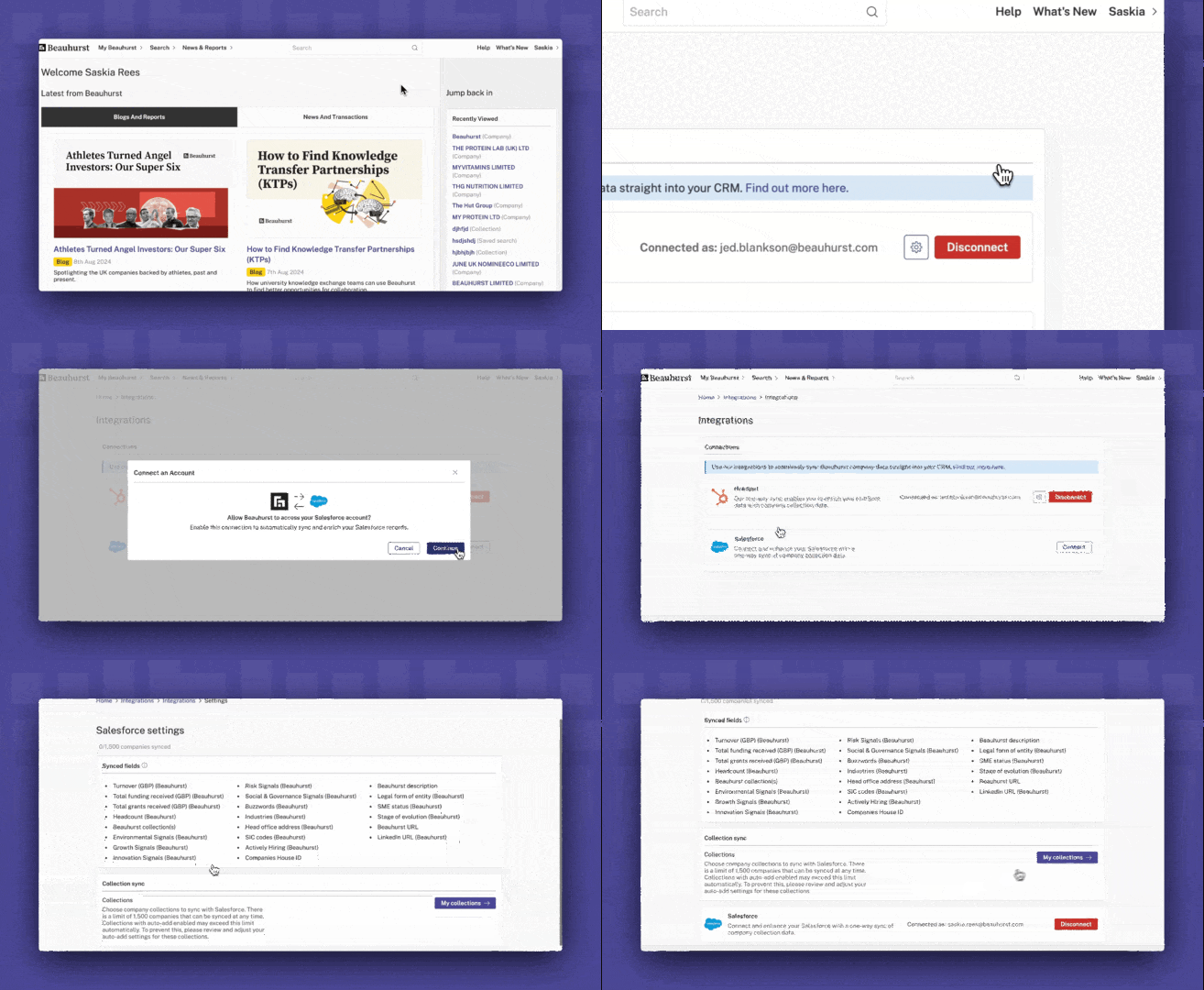
Synced fields
- Turnover (GBP)
- Total funding received (GBP)
- Total grants received (GBP)
- Headcount
- Beauhurst Collection(s)
- Environmental Signals
- Growth Signals
- Innovation Signals
- Risk Signals
- Social & Governance Signals
- Buzzwords
- Industries
- Head office address
- Actively hiring
- Companies House ID
- Legal form of entity
- SME status
- Stage of evolution
- Beauhurst URL
- LinkedIn URL
- Turnover (GBP)
- Total funding received (GBP)
- Total grants received (GBP)
- Headcount
- Beauhurst Collection(s)
- Environmental Signals
- Growth Signals
- Innovation Signals
- Risk Signals
- Social & Governance Signals
- Buzzwords
- Industries
- Head office address
- Actively hiring
- Companies House ID
- Legal form of entity
- SME status
- Stage of evolution
- Beauhurst URL
- LinkedIn URL
Why use the Salesforce integration?
Never miss out on interesting companies
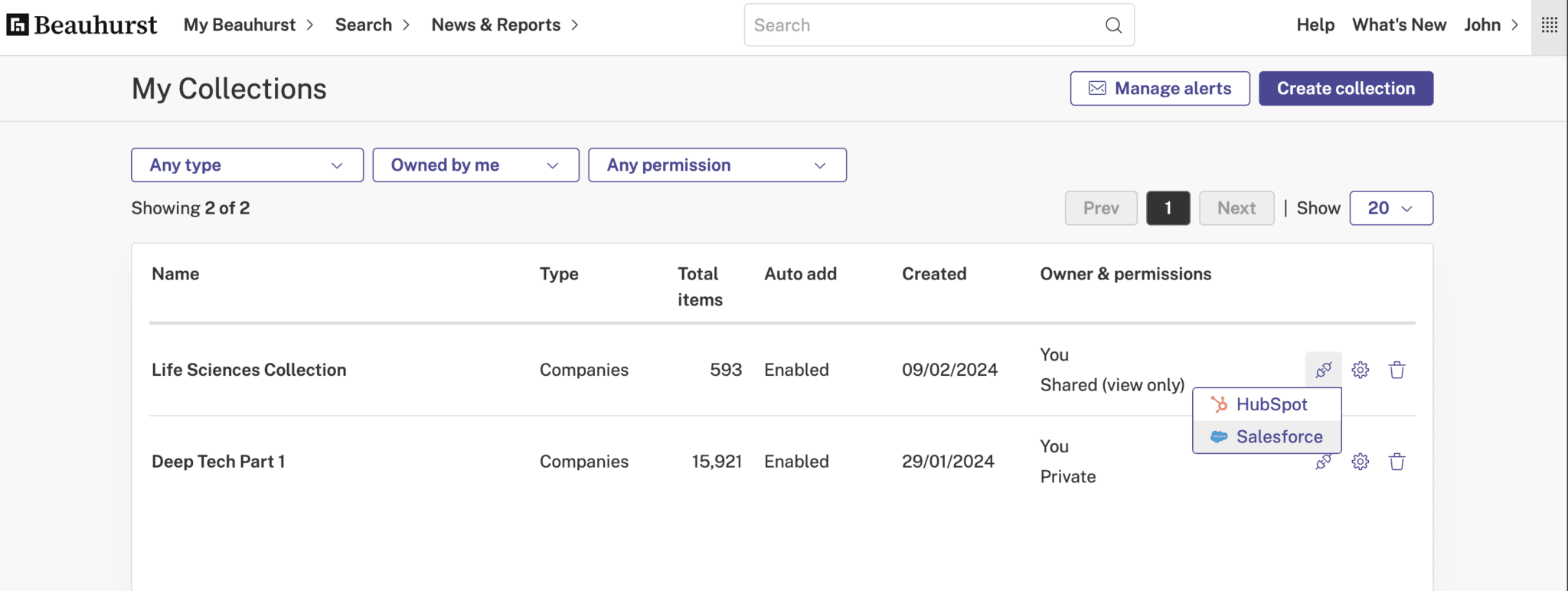
Plugging our data into Salesforce ensures you stay one step ahead, as companies that meet your pre-set criteria are automatically synced and added to your CRM. So, when one company meets your Beauhurst Collection criteria, it appears in Salesforce.
You can also use it to supplement your lead scoring process, by specifying what types of companies are imported. This means your CRM will only ever be populated by targeted, highly relevant companies.
Enhance your data
Enrich the company data in your Salesforce CRM in just a few clicks. Our integration pulls through and populates detailed company profiles directly into your Salesforce account, meaning your entire team can rely on the quality and consistency of the data.
Access our data exactly where you want it
Forget time-consuming searching, downloading and uploading data to Salesforce. Our integration saves you time by automatically enhancing, adding to, and updating your company data, without you lifting a finger.
So, what can you do with our data in your CRM?
1. Find new companies
Using our integration, you can set up searches for particular company types. Each time a new company appears in Beauhurst, it will sync to Salesforce, and you can use this information to make your approach.
2. Add qualified leads to Salesforce
You can create a collection of companies on our platform using highly specific criteria — an ICP (ideal customer profile), for example — so that you know whenever a company is added to Salesforce, it’s already a qualified lead. Saving you time and effort.
3. Create dashboards
Upgrade your analysis by using our data in Salesforce dashboards. You can also utilise our data to undertake analysis by combining our data with other data points.
4. Enhance lead scoring
By creating automations based on company data, you can assign scores using specific criteria to prioritise leads. For example, you can assign a score to a company with £2m annual turnover with >500 employees.
How to get set up
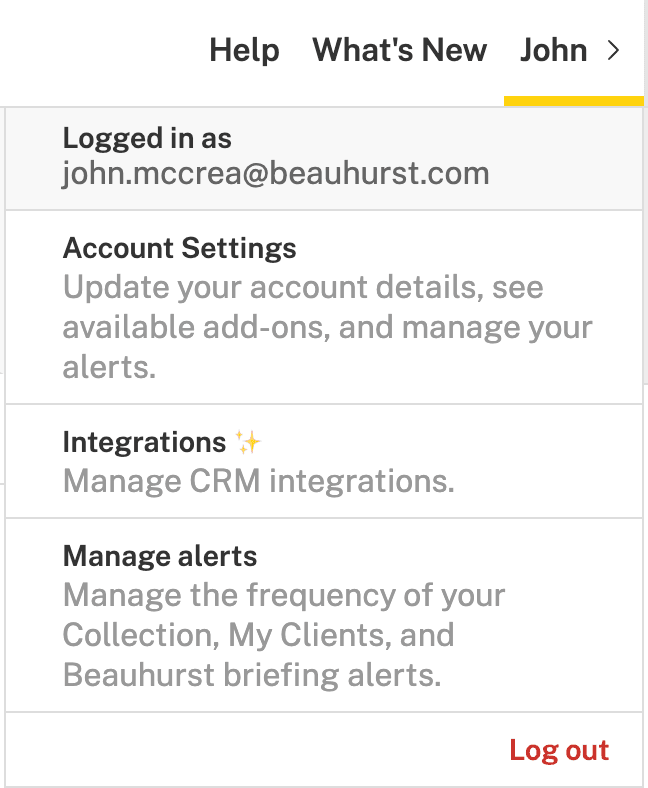
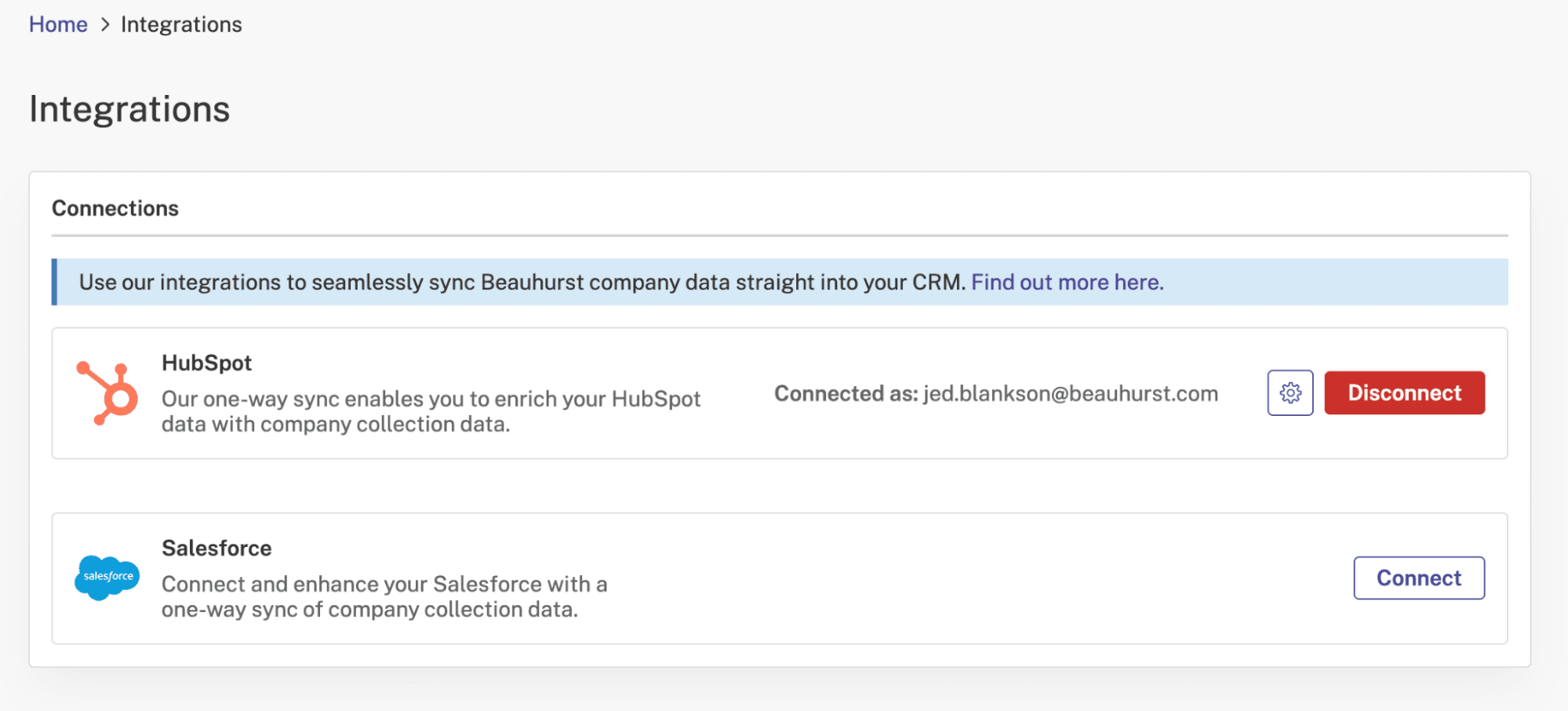
Getting set up couldn’t be easier, and only takes a matter of minutes. All you need is to be logged in to both your Beauhurst and Salesforce accounts.